Radar Detector
Overview
- The detector requires the registered
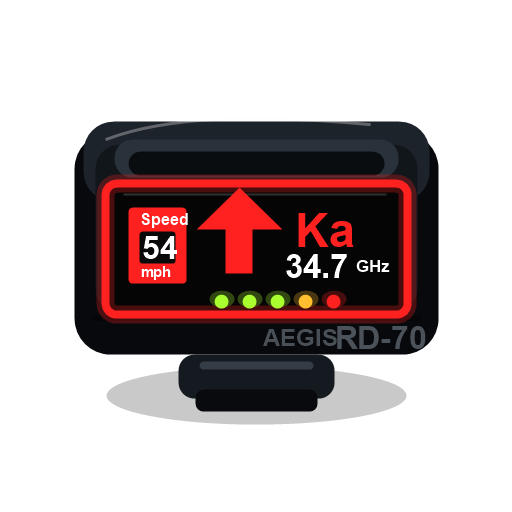 ka_scanner
 - It scans up to 600 metres for active radar or laser emitters and displays signal band, strength, and direction rather than exact distance.
- Line of sight, the emitting vehicle's direction, and whether the signal reaches the front, side, or rear antenna affect strength.
- Automatic sensitivity is the only configured mode. False alerts from ATMs, traffic equipment, and security gates are enabled.
- No documented shop, craft, loot pool, or activity currently supplies
Usage
- Sit in a running vehicle and use
- Wait through the 2.4-second mounting delay and 4.3-second boot sequence.
- Read the band, signal bars, and directional warning as an emitter approaches or passes.
- Press F7 to move or resize the detector display.
- Use the item again to turn the detector off.
Signal behavior:
- X, K, and Ka bands use different ranges and priorities; laser warnings jump to maximum strength at very short range.
- Obstructions reduce the signal, while a source aimed toward the detector is stronger than one facing away.
- Nearby configured false-alert objects can produce believable non-police warnings.
- Removing the item or leaving a usable running vehicle turns the detector off.